
Discover the Best Keyboard and Mouse for Your Steam Deck Setup
Choosing the best keyboard and mouse for your Steam Deck can elevate your gaming experience to new heights. These accessories are essential for gamers who seek precision, comfort, and an edge in gameplay. Whether you’re traveling or playing at home, the right setup ensures you get the most out of your Steam Deck.
Introduction
The Steam Deck is a handheld gaming device that thrives on flexibility and power. To complement its gaming prowess, selecting the most compatible keyboard and mouse is crucial. The right choice not only enhances comfort but also unlocks advanced gaming features. This article dives deep into top-rated options tailored for 2024, offering insights into the best keyboards and mice available.

Understanding Your Steam Deck’s Compatibility
Connecting gadgets to the Steam Deck involves understanding its compatibility. Users can connect peripherals through USB-C ports, Bluetooth, or adapters. This flexibility opens up numerous possibilities but also requires careful selection of the right peripherals to ensure seamless integration and optimal performance.
Wireless devices are often preferred for their portability, though they may need additional drivers or firmware updates. Wired connections, although less portable, guarantee the least latency, making them a solid choice for competitive gaming. Choosing between these options depends largely on personal preference and gaming needs.
Top Keyboards for Steam Deck Gamers
Selecting a keyboard involves balancing myriad features—from size to functionality. Here’s a closer look at the best of the best.
- Compact Wireless Keyboards: Portability Meets Power
Compact keyboards are prime contenders for the Steam Deck. They boast lightweight designs without sacrificing performance. They often come equipped with Bluetooth, making them easy to pair. Models like the Logitech K380 offer multi-device pairing and long battery life, ensuring uninterrupted gameplay. For a more premium experience, the Keychron K3 combines slim design with mechanical keys, satisfying tactile feedback enthusiasts.
- Ergonomic Designs: Comfort for Long Sessions
Prolonged gaming sessions demand comfort. Ergonomic keyboards reduce strain on wrists and fingers. The Microsoft Sculpt Ergonomic Keyboard stands out with its split design, offering natural wrist positioning. Its cushioned palm rest and sleek layout provide both comfort and control, essential for marathon gaming.
- Mechanical vs. Membrane: Deciding What Fits Your Style
Mechanical keyboards like the Razer BlackWidow offer durability and precise actuation, ideal for gamers who crave fast response times. Membrane keyboards, such as the Corsair K55, provide softer keypresses, often at a lower price point. The choice between them hinges on individual preferences for feedback and sound level.
While choosing the right keyboard, one must also pay attention to the accompanying mouse to ensure cohesive game control.

Top Mice for Steam Deck Users
Selecting the right mouse can significantly boost your gaming capabilities. Here’s our take on the finest picks.
- Wireless Mice: Balancing Freedom and Performance
A wireless mouse like the Logitech G305 offers low-latency performance crucial for action-packed games. It’s lightweight and sports a HERO sensor for accurate tracking. Alternatively, Razer’s Basilisk X HyperSpeed combines Bluetooth and 2.4GHz connectivity, suitable for versatile gaming needs.
- Ergonomic Mouse Options for Seamless Gaming
Ergonomic designs, such as the Logitech MX Master 3, prioritize user comfort. Its contoured shape supports your hand, reducing fatigue. With customizable buttons and a super-fast scroll wheel, it covers both gaming and productivity.
- Multi-Button Mice for Strategic Gaming
For strategy game fans, multi-button mice like the Logitech G600 are excellent. Their programmable buttons allow quick access to complex commands, giving gamers a strategic edge. The tactile feedback ensures intuitive control during intensive play sessions.
With a well-chosen keyboard and mouse, enhancing your gaming setup with advanced features becomes the next logical step.
Enhancing Your Gaming Experience with Peripheral Features
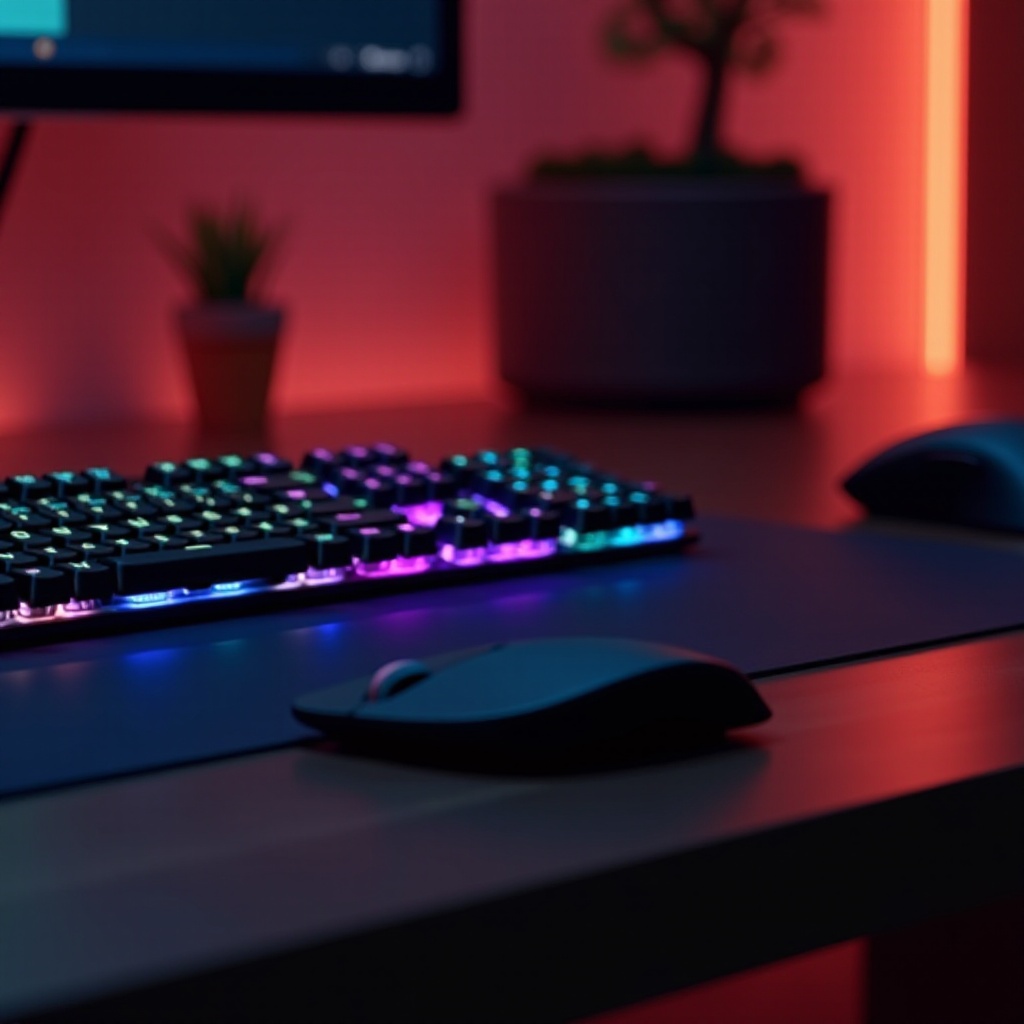
Modern peripherals come with enhanced features that optimize gaming. RGB lighting adds a visual flair, allowing gamers to personalize their setup with customizable lighting effects to further deepen immersion. Programmable keys and macros offer shortcuts to in-game actions, improving efficiency. These features, while optional, amplify the overall gaming experience by providing competitive advantages and a tailored aesthetic.
Buying Guide: What to Consider for Your Steam Deck Accessories
When purchasing peripherals, focus on a few vital criteria:
- Connectivity: Determine the best option, whether wired, wireless, or both, for your gaming style.
- Ergonomics: Prioritize comfort, especially for long gaming sessions.
- Durability: Choose accessories known for quality materials and build.
- Compatibility: Ensure seamless pairing with the Steam Deck.
By evaluating these factors, you’ll find accessories that enrich your gaming journey.
Conclusion
Choosing the right keyboard and mouse for your Steam Deck can transform your gaming. With countless options, focusing on compatibility, design, and features assures a rewarding experience. Armed with this knowledge, selecting the perfect peripherals becomes a breeze.
Frequently Asked Questions
What is the best compact keyboard for the Steam Deck?
The Logitech K380 is highly recommended for its compact design, multi-device pairing, and reliable performance.
Can I use any Bluetooth mouse with the Steam Deck?
Most Bluetooth mice are compatible, though checking for necessary firmware updates or drivers is advised.
Are there any specific ergonomic benefits when using a mouse with the Steam Deck?
Ergonomic mice reduce strain and fatigue, facilitating extended gaming with comfort, making them ideal for frequent gamers.