
Unlocking Connectivity: A Comprehensive Guide to Laptops with SIM Cards
Introduction
Laptops equipped with SIM card slots are quickly becoming essential for those who value mobility and connectivity. These devices offer the freedom to connect to the internet without relying on Wi-Fi, making them perfect for remote work, travel, and areas with inconsistent internet access. As we progress into 2024, the options available have become more versatile and powerful. This guide delves into what makes laptops with SIM cards invaluable, listing the top models you can consider.
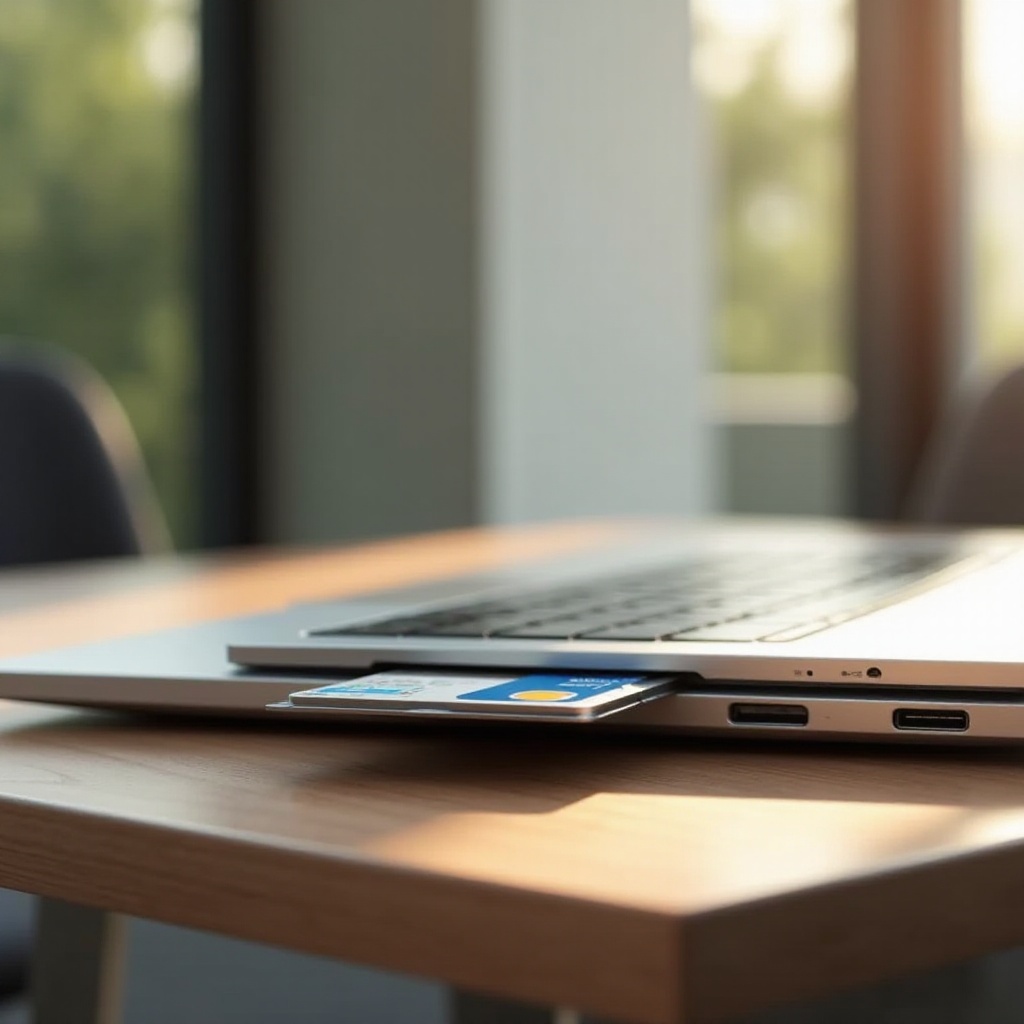
What Are Laptops with SIM Cards?
Laptops with SIM cards are designed to connect to cellular networks, much like mobile phones. This feature allows users to maintain an internet connection via SIM cards that support 4G LTE or 5G networks. The SIM card slot in these laptops serves as a gateway to consistent and widespread connectivity, eliminating the need to search for Wi-Fi networks.
This technology is essential for users inhabiting areas with unreliable Wi-Fi connections or for professionals who travel frequently. It enhances productivity and convenience by providing a stable internet connection anytime and anywhere. Such laptops enable seamless transitions between different environments without the fear of losing connectivity.
Top Features to Look for in SIM Card-Enabled Laptops
When selecting a laptop with a SIM card slot, certain features are worth prioritizing to ensure the best experience:
- Network Compatibility: Ensure the laptop supports the networks you’ll frequently use, such as the latest 5G or existing 4G LTE frequencies.
- Battery Life: Longevity is crucial for those who rely on a laptop throughout the day without access to a charging point.
- Performance: A powerful processor and ample RAM are necessary to improve multitasking and handle demanding tasks efficiently.
- Build Quality and Portability: A lightweight, robust build enhances portability, ensuring the laptop can withstand frequent use and travel.
- Security Features: Built-in security, such as biometric logins and a secure boot option, is vital to protect sensitive data while using cellular networks.
Considering these features ensures that your laptop can leverage the benefits of mobile connectivity without compromises in performance or security.
Top 5 Laptops with SIM Card Slots in 2024
The market for SIM card-enabled laptops continues to expand, with several models standing out in 2024 for their features and capabilities:
- Laptop 1: Dell Latitude 9430
-
This model offers seamless 5G connectivity paired with a lightweight design, making it perfect for mobile professionals. With long battery life and excellent build quality, it’s a reliable choice.
-
Laptop 2: Lenovo ThinkPad X1 Carbon Gen 11
-
Known for durability and performance, the ThinkPad series integrates solid security features and offers exceptional cellular support, ideal for business use.
-
Laptop 3: HP Elite Dragonfly G3
-
Its stylish and compact design complements excellent battery life and robust network capabilities, making it a top choice for those on the move.
-
Laptop 4: Microsoft Surface Pro 10
-
With a stunning display and innovative design, this laptop provides users with a hybrid between a laptop and a tablet, offering versatile 5G connectivity.
-
Laptop 5: Apple MacBook Air with M3 Chip
- Apple joins the market with a model that integrates cellular capabilities, combining superior design with powerful performance and dependable battery life.
These options represent the cutting-edge technology available in laptops today, providing reliable SIM-based connectivity.

How to Set Up and Use SIM Cards on Your Laptop
Setting up a SIM card in your laptop is a straightforward process, enhancing your ability to remain connected.
- Find the SIM card slot on your laptop, typically located on the side or back of the device.
- Insert the SIM card into the slot, ensuring it fits securely.
- Power on the laptop and navigate to the network settings menu.
- Select the mobile network or cellular option to enable the connection.
- Follow any on-screen prompts to configure network details as required by your service provider.
Your laptop should now access the internet using your mobile data plan, providing a seamless experience without the need for Wi-Fi.

Benefits of Using SIM Cards in Laptops
The ability to use SIM cards in laptops comes with several significant benefits, enhancing the user experience:
- Continuous Connectivity: Stay connected without dependency on Wi-Fi networks, perfect for travel and areas with poor internet service.
- Enhanced Mobility: Move freely between locations without losing your internet connection, ideal for professionals constantly on the go.
- Cost-Effectiveness: Utilizing a reliable data plan can be more economical than constant Wi-Fi access or broadband setups, especially for users frequently on the move.
These advantages make laptops with SIM card slots a smart choice for those who prioritize seamless, reliable internet connectivity.
Conclusion
Exploring the capabilities of laptops with SIM cards reveals a notable shift towards uninterrupted productivity and convenience. These devices offer the invaluable benefit of consistent internet access, revolutionizing how we remain connected across various environments. As the technology progresses, users are encouraged to leverage these innovations to enhance their daily operations and connectivity needs.
Frequently Asked Questions
What types of SIM cards are compatible with laptops?
Most laptops with SIM card slots use nano-SIM cards or micro-SIM cards. Always verify your laptop’s specifications to determine the correct SIM card type.
Can any laptop use a SIM card with an adapter?
No, only laptops equipped with built-in SIM card slots can use this functionality. Adapters won’t provide SIM card functionality without native hardware support.
Are there any security concerns with using SIM cards in laptops?
Though SIM cards offer great mobility, it’s important to use security measures like VPN and built-in security features to protect data on cellular networks.