
How to Fix: Facebook Does Not Work on My Phone
Introduction
Experiencing issues with Facebook not working on your phone can be a major inconvenience. Whether you rely on the social platform for staying in touch with friends, receiving news updates, or promoting your latest business endeavor, resolving these issues swiftly is crucial. This comprehensive guide will walk you through the common causes and effective solutions to ensure smooth functionality.

Common Reasons Why Facebook Is Not Working on Your Phone
It’s essential to understand the potential reasons behind Facebook malfunctions on your device. This understanding helps directly address the problem, minimizing wasted time. Some familiar culprits include:
- Internet Connectivity Issues: A reliable internet connection is critical for uninterrupted access to Facebook. Weak or unstable connections often lead to performance disruptions.
- Outdated App Version: Running an older version of the Facebook app can result in bugs or incompatibility with your phone’s operating system.
- Phone Software Glitches: Sometimes, system glitches specific to your phone can affect app performance, causing crashes or freezes.
Recognizing these issues sets the stage for targeted troubleshooting, which is the next logical step.
Basic Troubleshooting Steps
Often, a few basic fixes can resolve issues with Facebook not working. Implement these steps as your first line of defense:
-
Restart Your Phone and the App: Fully close the Facebook app and reopen it. Power off your phone, wait a bit, then restart it to clear temporary glitches and refresh system resources.
-
Clear App Cache and Data: Visit your phone’s settings, choose the Facebook app, and opt for ‘Clear Cache.’ If the problem persists, choose ‘Clear Data’ to reset the app, though you’ll need to log in again.
-
Check for App Updates: Explore your device’s app store to confirm if a Facebook update is available. Updating can address known bugs and improve app compatibility.
If basic troubleshooting does not yield satisfactory results, moving on to more advanced solutions is advisable.

Advanced Solutions for Persistent Problems
After trying basic steps, if Facebook remains problematic, advanced solutions may be necessary:
-
Reinstall the Facebook App: Uninstall Facebook, then download and reinstall it from the app store to fix potential file corruption.
-
Update Your Phone’s Operating System: Ensure your phone’s OS is up to date. An outdated system may introduce compatibility issues; thus, updates help in aligning features and security controls with apps.
-
Check Device Settings and Connectivity: Verify Facebook’s app permissions are adequately configured. Test your connection by toggling between Wi-Fi and mobile data to determine if one offers better performance.
Once these measures are implemented, and if you’re still experiencing issues, you may need to look into device-specific strategies.
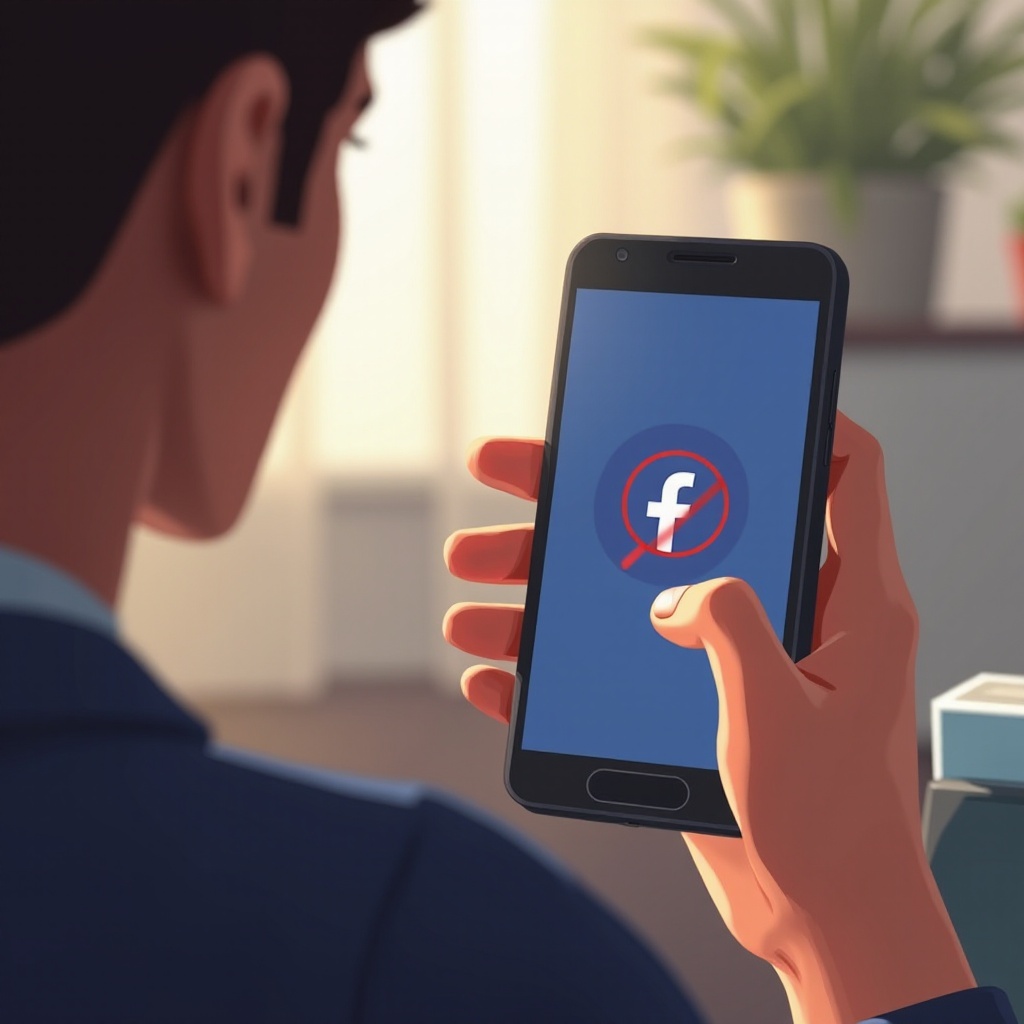
Device-Specific Troubleshooting
Solutions may vary based on whether you’re using an iOS or Android device. Each operating system has unique characteristics and settings.
-
iOS Device Solutions: Make sure your iPhone’s iOS version is current and compatible. Consider resetting network settings via Settings > General > Reset > Reset Network Settings if necessary.
-
Android Device Solutions: Confirm your Android device’s OS version is updated. Check the app settings to clear caches specifically and manage any battery optimizations that might restrict background activity.
After these device-specific adjustments, ensuring proper functionality becomes a more feasible target.
Preventive Measures to Avoid Future Issues
Preventive care is just as important as resolving current problems. These practices can help ensure Facebook and other apps continue to run smoothly:
- Regularly update both the app and your device’s operating system to harness new features and security improvements.
- Occasionally clearing app cache and backing up app data can prevent storage-related malfunctions.
- Keep an eye on app permissions to balance security with functionality.
Routine maintenance not only supports optimum app performance but also reduces the risk of future disruptions.
Conclusion
By following these outlined solutions, ranging from simple to advanced troubleshooting, you can effectively resolve issues with Facebook on your phone. Consistent app and device maintenance are crucial not only for correcting current problems but also for preventing them in the future.
Frequently Asked Questions
Why does Facebook keep crashing on my phone?
Facebook may crash due to corrupted cache, outdated app versions, or insufficient device memory. Clearing the app cache or updating may help.
How do I update the Facebook app to ensure it works properly?
To update Facebook, visit your device’s app store, search for Facebook, and select the update option if available. Regular updates fix known issues.
What should I do if Facebook is still not working after trying all solutions?
If problems persist, consider performing a factory reset on your phone after backing up data, or consult customer support for further assistance.