
The Ultimate Guide to Laptops for eGPU in 2024
Introduction
Unleashing the full potential of your laptop’s graphics capabilities is a game-changer, especially for gamers and creatives. External GPUs, or eGPUs, empower laptops by significantly upgrading their graphics performance. Through this guide, discover how eGPUs can revolutionize your laptop experience and provide the graphics power comparable to dedicated desktops.
Understanding eGPUs
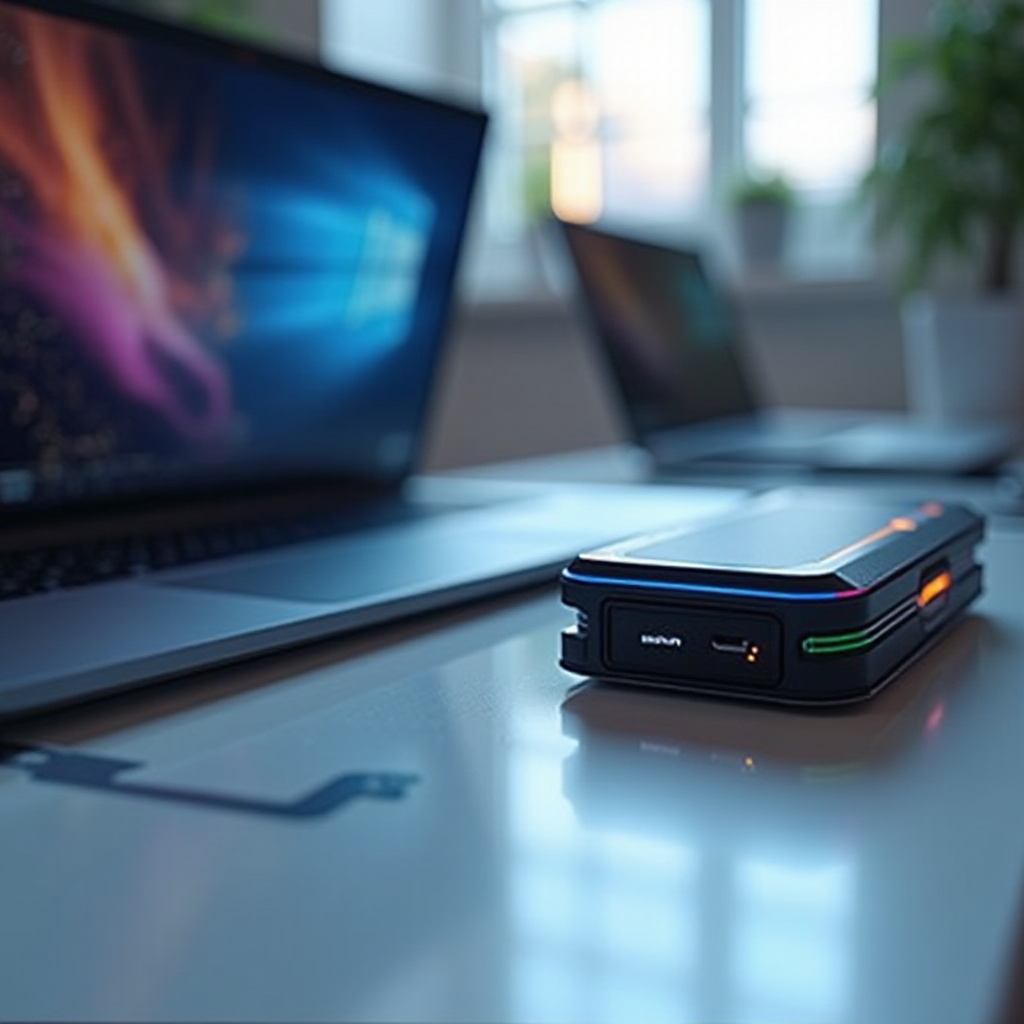
Before choosing a laptop, it’s crucial to grasp the concept and benefits of eGPUs. An eGPU is an external enclosure that houses a desktop-grade graphics card, capable of substantial graphics processing enhancement when linked to a laptop.
What is an eGPU?
An eGPU encases a powerful GPU, leveraging Thunderbolt 3 or 4 ports to connect seamlessly with laptops. The result is a marked improvement in rendering capabilities, frame rates, and overall visual quality, turning laptops into portable powerhouses.
Advantages of Using an eGPU with a Laptop
Several advantages come with using an eGPU:
– Performance Boost: Achieve smoother and faster performance for gaming and creative tasks.
– Upgradability: Easily upgrade the GPU within the eGPU enclosure to match evolving requirements.
– Portability: Maintain the versatility and convenience of a laptop while accessing desktop-level graphics power.
Understanding the transformative potential of eGPUs paves the way for selecting the most compatible laptops.
Why Choose a Laptop for eGPU?
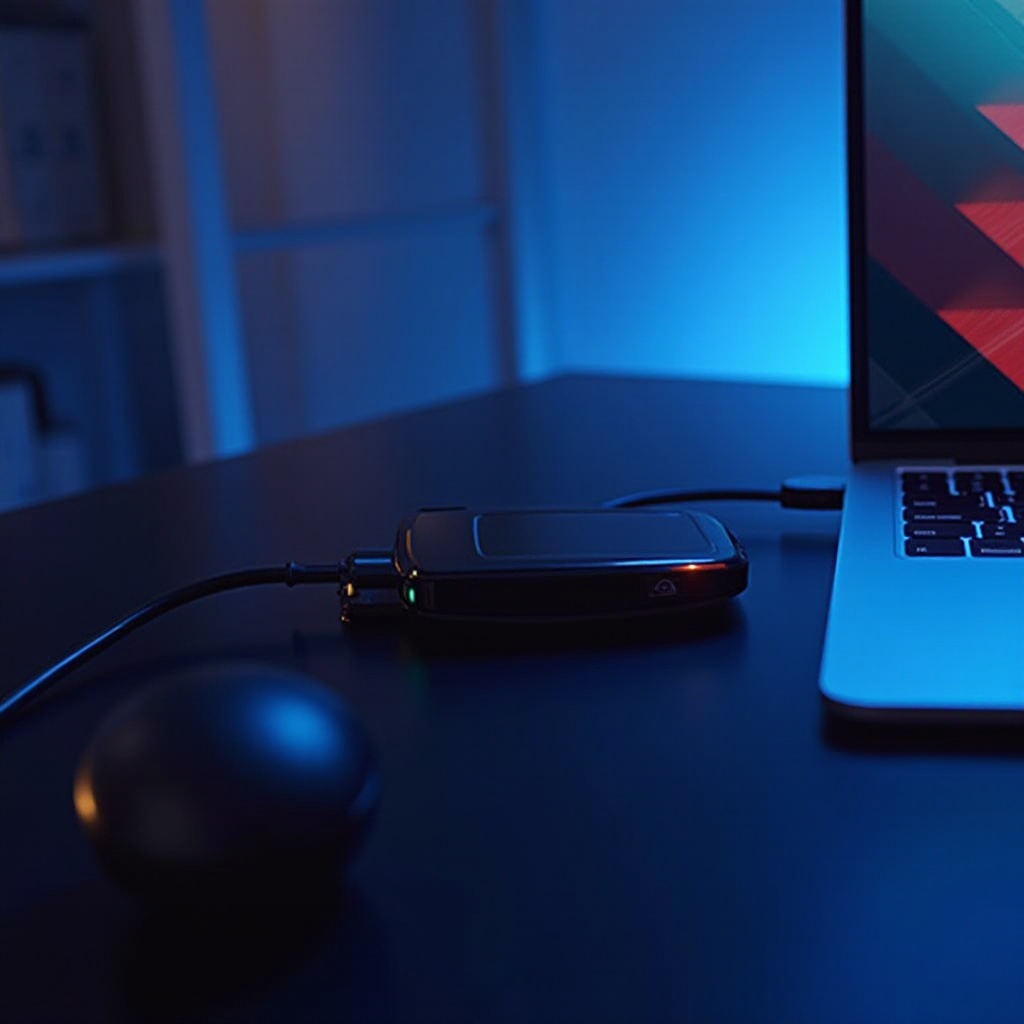
With eGPU capabilities, laptops close the gap with desktops in terms of performance. They provide an enticing option for those seeking enhanced graphics without sacrificing mobility or cost-effectiveness.
Enhanced Graphics Performance
Laptops paired with eGPUs deliver graphics performance formerly exclusive to desktops. This setup is ideal for gamers craving high frame rates and vivid visuals, as well as designers needing rapid rendering and meticulous graphic detail.
Cost-Effectiveness for Creative Professionals
Opting for an eGPU allows users to circumvent costly upgrades. Instead of investing in premium laptops with top-tier built-in GPUs, a mid-range laptop bundled with an eGPU can offer similar, if not superior, performance.
Portability and Versatility
Laptops provide unmatched convenience for professionals constantly on the move. When paired with an eGPU, the setup combines power with mobility, allowing high-performance tasks wherever your work takes you.
Understanding these benefits clarifies why laptops designed for eGPU integration are a smart choice for 2024. Next, we’ll explore some leading models that seamlessly work with eGPUs.
Top Laptops Compatible with eGPUs
The right laptop enhances your eGPU setup, ensuring compatibility and optimized performance. Consider these top options for 2024.
Dell XPS 15 Overview
The Dell XPS 15 is celebrated for its sleek design and robust performance, featuring Intel’s latest processors and Thunderbolt 4 ports. Its high-resolution display and sturdy build make it a strong contender for professionals who require a powerful laptop for graphics-intensive tasks.
Razer Blade 15 Overview
The Razer Blade 15 is a standout choice in the gaming community, renowned for its exceptional performance and high-quality construction. With the necessary Thunderbolt connectivity, it aligns perfectly with eGPUs, offering both power and portability for avid gamers.
Apple MacBook Pro (16-inch) Overview
Apple’s MacBook Pro continues to set standards in design and functionality. Equipped with Thunderbolt 4 and M-series chips, it promises high-speed processing and energy efficiency. Paired with a compatible eGPU, it becomes an extraordinary tool for creative professionals tackling demanding graphics tasks.
Selecting a laptop from these models ensures compatibility and excellent performance with eGPUs.
Key Features of eGPU-Compatible Laptops
Several features are crucial when selecting a laptop for an eGPU setup, influencing both compatibility and overall performance.
Thunderbolt 4/3 Ports
Thunderbolt 3 or 4 ports are imperative, providing the requisite bandwidth for data transfer between the laptop and eGPU. This connectivity ensures you extract maximum potential from the setup.
Processor and RAM Requirements
A high-performing CPU and ample RAM are non-negotiable for harnessing an eGPU’s benefits. Look for laptops with an Intel i7/AMD Ryzen 7 or higher and a minimum of 16GB RAM.
Cooling Systems and Build Quality
Heat management is crucial during high-performance tasks. Select laptops with efficient cooling systems to maintain performance and avoid overheating, ensuring sustained operations.
With these features in mind, it’s time to set up your eGPU system.
Setting Up Your eGPU: A Step-by-Step Guide
Setting up your eGPU is straightforward with the right equipment and instructions:
1. Check Compatibility: Confirm that your laptop’s Thunderbolt ports support eGPU functions.
2. Gather Equipment: Acquire a Thunderbolt cable, a suitable graphics card, and an eGPU enclosure.
3. Install the Graphics Card: Follow the manufacturer’s instructions to install your chosen GPU into the enclosure.
4. Connect the eGPU: Use the Thunderbolt cable to connect the eGPU to your laptop.
5. Install Drivers: Download and install necessary drivers from the GPU manufacturer for seamless eGPU functionality.
6. Configure Display: Adjust system settings to optimize graphics processing and enhance your user experience.
This setup empowers your laptop with graphics capabilities comparable to dedicated desktops.
Future Trends in eGPU Technology
The evolution of eGPU technology is promising. Expect improvements in Thunderbolt connectivity and GPU efficiencies, catalyzing widespread adoption of eGPUs. Increased compatibility with various operating systems and the availability of budget-friendly options will likely expand the market significantly.
Conclusion
Leveraging eGPUs can dramatically enhance a laptop’s graphics performance, opening new opportunities for users across various fields. By choosing a compatible laptop and integrating an eGPU, you unlock the potential previously reserved for high-end desktops. Whether you’re gaming, designing, or editing videos, laptops equipped for eGPU pave the way for superior power, flexibility, and endless possibilities.
Frequently Asked Questions
What is the best laptop for eGPU in 2024?
Several optimal choices include the Dell XPS 15, Razer Blade 15, and Apple MacBook Pro, each offering excellent compatibility and performance with eGPUs.
Can all laptops support eGPU?
Not every laptop supports eGPUs. Essential prerequisites include Thunderbolt 3/4 ports and adequate system specifications, such as a modern processor and sufficient RAM.
How much does an eGPU improve performance?
An eGPU significantly boosts performance, especially for tasks like gaming, rendering, and video editing. Exact improvements depend on the eGPU’s specifications and the nature of the tasks.